
New app
SnapWatch
Watch remote camera shutter
Turn your Huawei watch into a remote shutter for your Android phone's camera. Position the phone, press the watch, snap — even offline, over direct Bluetooth.
- 3
- Connection channels
- 8
- Color filters
- Offline
- Works over Bluetooth
- Free
- For all users
What you can do
Take photos without touching the phone
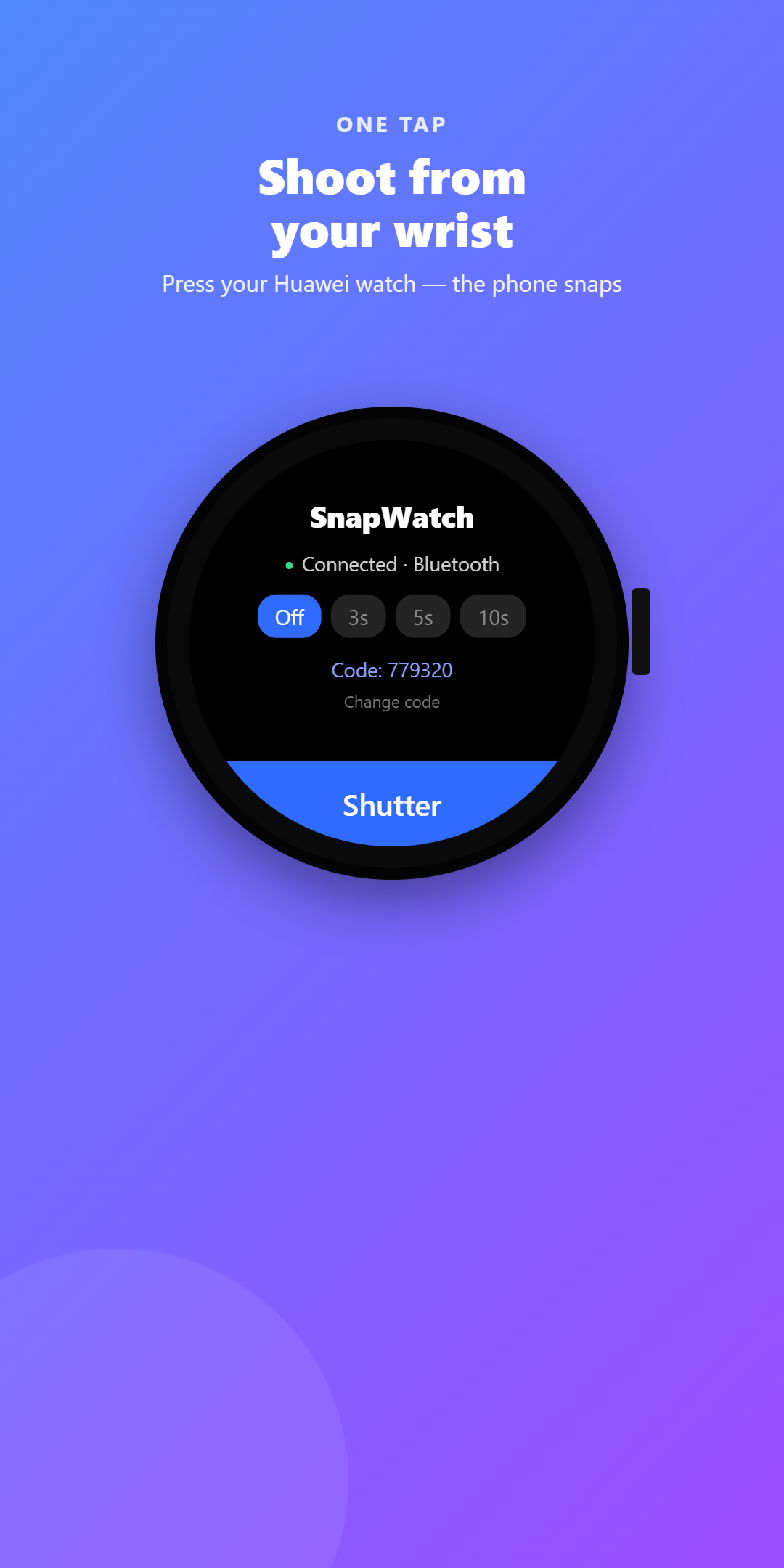
Press the watch, the phone shoots
Set your phone as a stand and press the button on your Huawei watch — the photo is taken instantly, hands-free.
Works fully offline
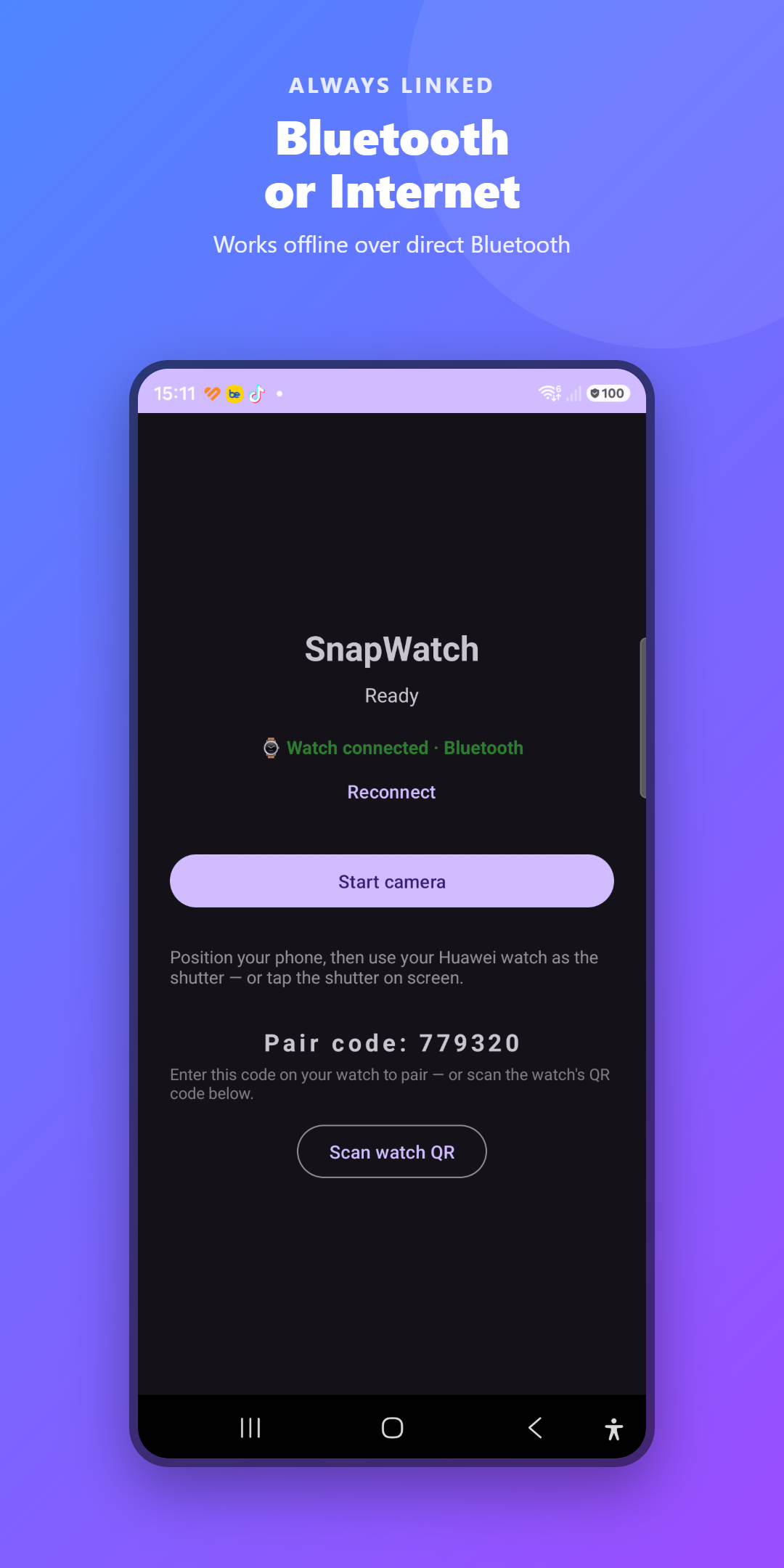
A direct Bluetooth link between watch and phone means it still works with Wi-Fi and mobile data turned off.
A full-featured camera
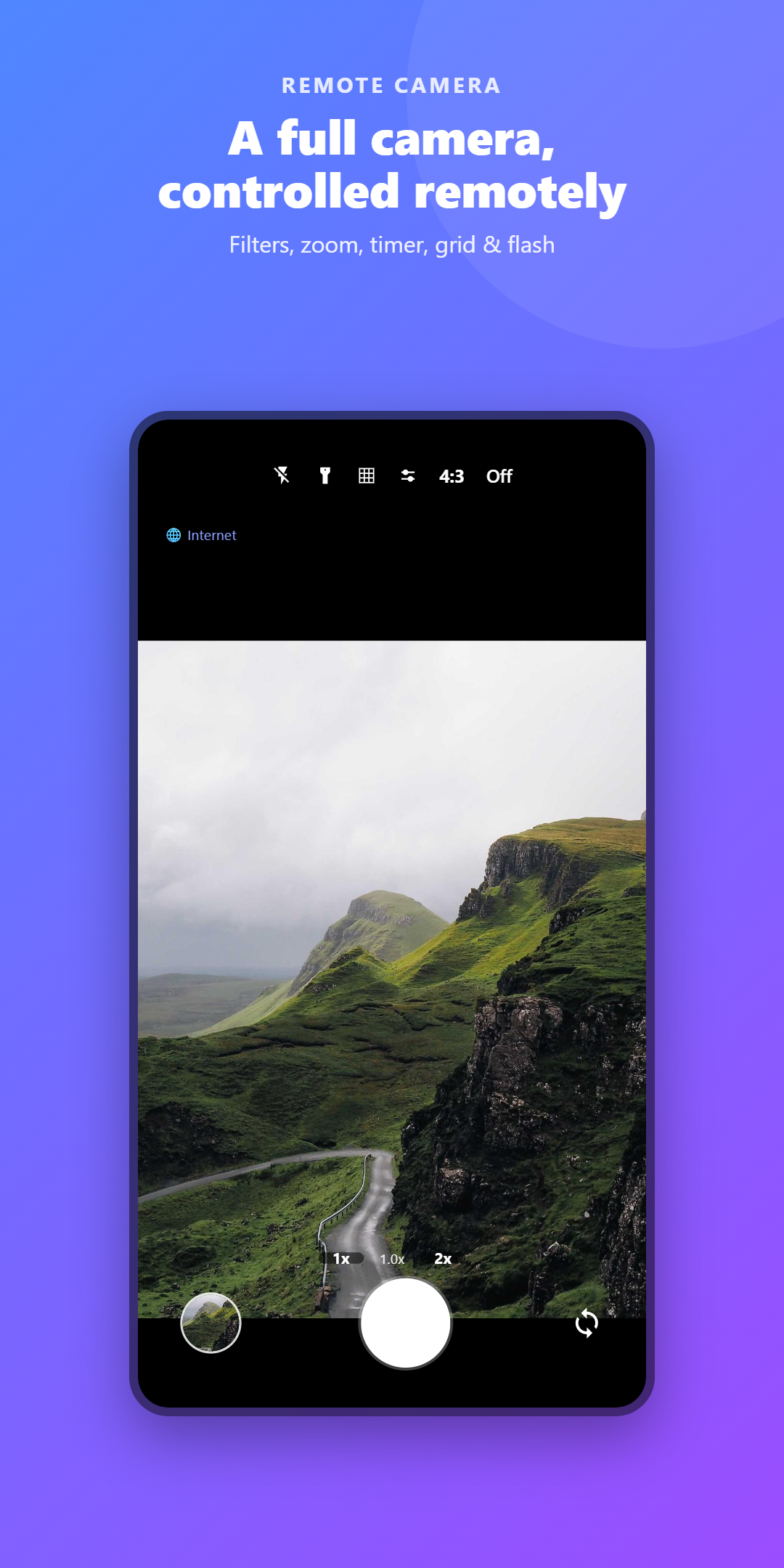
Timer (3/5/10s), front/back flip, zoom, grid, aspect ratios (4:3/16:9/1:1), flash, and 8 color filters.
Pair in seconds
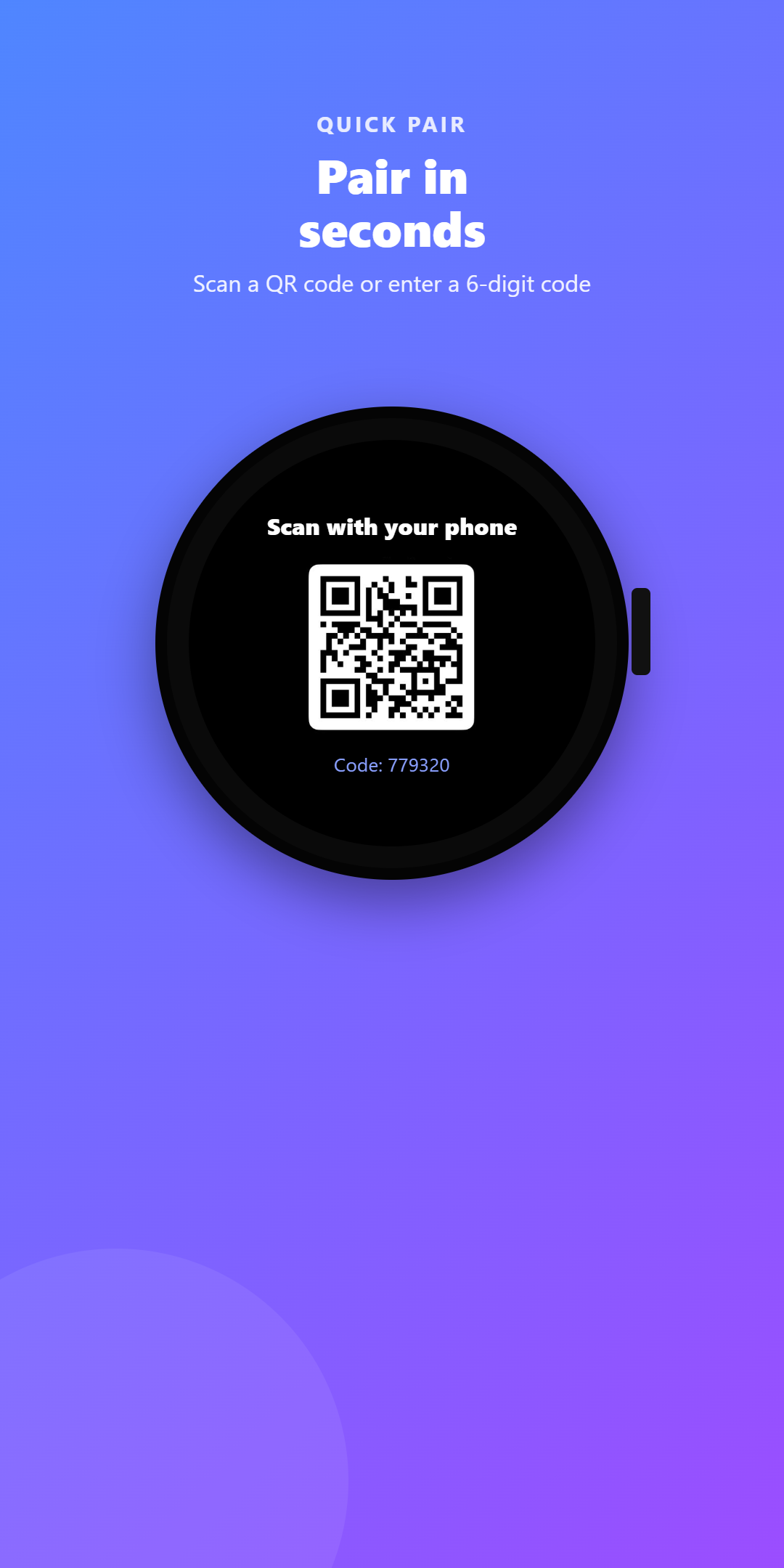
Enter the 6-digit code shown on the phone, or let the watch show a QR code and scan it with the phone.
Countdown on the phone
Pick a timer on the watch; the phone counts down right on the camera screen so you have time to pose.
Free
Every feature is free. Supported by light ads — no hidden fees, no account required.
How it works
Three steps. That's it.
Step 01
Install both apps
Install SnapWatch on your Android phone and on your Huawei watch.
Step 02
Pair them
Enter the 6-digit code or scan the QR to link the watch to the phone.
Step 03
Shoot from your wrist
Open the camera on the phone, position it, then press the watch to shoot.
Inside the app
See it in your hands
Resources
Policies & support
Get SnapWatch now
Now on Google Play. Free, with no personal data collected.